
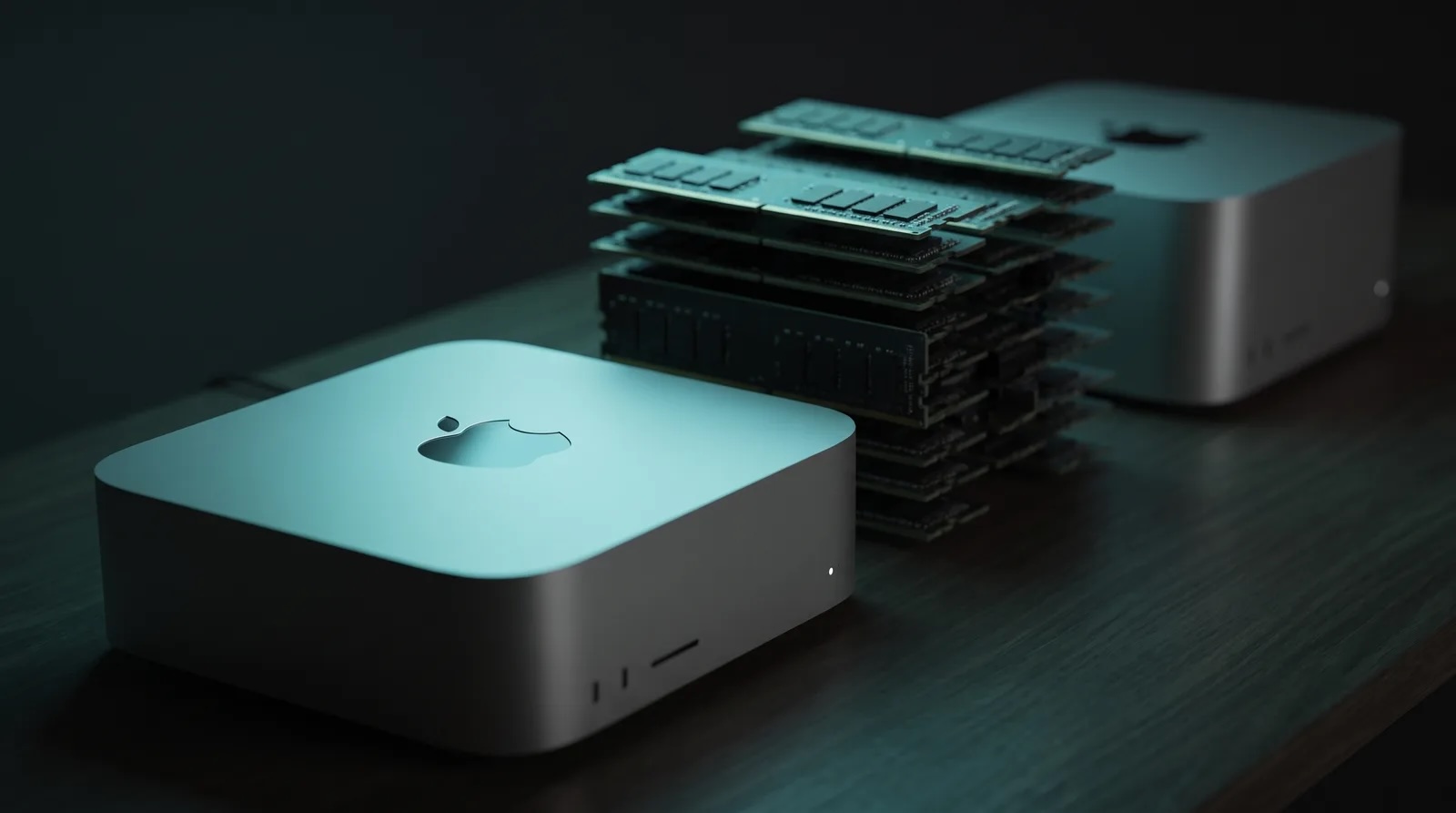
It’s incredibly tempting. You buy an AI computer and run local models for the price of a hardware installment plan. For this game to work out, the hardware has to be available, the open models strong enough, and the price of the closed ones can’t drop. So what should you pick?
Why am I opening this discussion now? Because Apple just announced the Mac mini with the M6 and the Mac Studio with the M5 Ultra. A day earlier, Xiaomi showed a prototype of the AI Cube, and in the same week Arduino opened pre-orders for the VENTUNO Q board. Alongside them stand the Nvidia DGX Spark and AMD Strix Halo, which have been on sale for a year. So a lot has happened and a lot is happening. I went through the numbers and calculated when the investment pays for itself.
The number that decides
Most reviews start with memory capacity. For language models, though, bandwidth is what decides. The reason is mechanical: every generated token has to pass through all the active layers, so the weights get moved from memory to the GPU. There is little computation per token and a lot of memory reading. Capacity tells you whether the model fits. Bandwidth tells you how fast it will run.
| Machine | Memory | Bandwidth | Price (CZK / USD) |
|---|---|---|---|
| Mac mini M6 | 16-32 GB | 170 GB/s | from 25,990 / $899 |
| Mac mini M5 Pro | up to 64 GB | 307 GB/s | from $1,699 |
| Mac Studio M5 Max | 36-128 GB | 614 GB/s | from 69,990 / $2,499 |
| Mac Studio M5 Ultra | 96-512 GB | 1.2 TB/s | from 154,990 / $5,499 |
| Nvidia DGX Spark (GB10) | 128 GB | 273 GB/s | ~$4,000-4,700 |
| AMD Ryzen AI Max+ 395 | 128 GB | 256 GB/s | $1,500-2,000 (mini PC) |
| Xiaomi AI Cube | ~80 GB (prototype) | 1.22 TB/s on the O100 | doesn’t exist |
The Mac mini with the M6 is the weakest choice of all for language models. 170 GB/s and a 32 GB ceiling. Token generation stays capped by those 170 GB/s, and no driver will change that. If you want a mini as an inference box, you have to reach for the M5 Pro version.
One more detail that’s easy to miss: the M6 has three Thunderbolt 4 ports, while the M5 Pro has three Thunderbolt 5 ports. The clustering over TB5 and RDMA that Apple brags about doesn’t work on the cheap mini. If you were planning to buy four units for 26 thousand crowns each and glue them into a memory pool, you’re out of luck.
The DGX Spark is a good prefill machine and a mediocre decode machine. Georgi Gerganov measured it: on gpt-oss 20B in MXFP4 via Ollama, the Spark delivers roughly 2,053 tok/s prefill and 49.7 tok/s decode, whereas the RTX Pro 6000 Blackwell manages 10,108 and 205. If you also want to fine-tune something on the DGX, you’ll face the least friction there. If you just want to generate quickly, you’re overpaying.
Strix Halo has the best ratio of crowns per gigabyte. The GMKtec EVO-X2 at $1,499 or the Framework Desktop at $1,999 give you 128 GB of unified memory, of which up to 96 GB can be allocated to the GPU. The 256 GB/s of bandwidth is the lowest in the whole lineup, so dense models above 30B crawl, while MoE runs decently. And one thing AMD doesn’t say out loud: those 50+ TOPS on the XDNA 2 NPU have nothing to do with language models, because Ollama, llama.cpp and LM Studio all send LLMs to the GPU.
The Xiaomi AI Cube doesn’t belong in the decision at all, because it’s a prototype from August 24, with no price, no date, and the O100 and D100 chips going into commercial deployment only in 2027. The architecture is interesting, but the demo ran on a 120B plus 3B configuration. Nobody has published a benchmark of the whole system, nor the quantization or the software stack. Read it as a signal of where Chinese hardware is heading, nothing more for now.
Models and quantization
Rule of thumb: a model in Q4 eats roughly 0.6 GB per billion parameters, plus KV cache depending on context length. Count on having about 70% of nominal memory actually available.
The Qwen family opened up on August 12 and 14. Qwen3.8-27B is dense, Apache 2.0, natively multimodal, with a 262K context, and about 17 GB in Q4_K_M. It fits into a Mac mini with the M5 Pro and into any Studio, and today it’s a sensible default.
How much this model can do can be stated quite precisely. On the Artificial Analysis composite index, Qwen3.8-27B is on par with Claude Opus 5 at low reasoning and a bit below Sonnet 5 at full power. Compared with its own predecessor, 3.6-27B, that’s a jump of fourteen points, even though the architecture is identical and the entire difference comes from post-training. On agentic tasks it even overtook Claude Opus 4.8, a model that was frontier four months ago. And I, for example, was very satisfied with Opus 4.8, so that’s good enough for me. That’s how I’d look at it.
Before you start buying more memory, check your software. Over the last half year, the speed of local models has moved because of two things, and both are free for you. The first is speculative decoding, where a small model guesses several tokens ahead and the big one only verifies them. Qwen3.6 and Gemma 4 already have that guessing head built in, so all you have to do is turn it on in llama.cpp or LM Studio, and it commonly means 1.5 to 3x faster generation. The second novelty is the MLX backend in Ollama, which on Apple hardware (ARM, not Intel!) speeds up prefill by roughly 1.5x and generation by two to three times compared with the old version. If you run an outdated Ollama on a Mac, you’re losing more performance than a machine upgrade would bring you.
And one hard limitation. The best open-weight model today fits on none of these machines. Qwen3.8-2.4T-A95B needs around 1.4 TB of memory in Q4, so even a Mac Studio M5 Ultra with 512 GB for nearly 539 thousand crowns isn’t enough. Locally, you play in the 27B to 120B category, period!
Two things that don’t fit the thesis of local workers
A notion has settled in around local machines: the local model is a fast worker and the cloud (frontier model) is the smart foreman. The core of the notion is right. But two things about it don’t fit.
The local model isn’t faster. A Mac Studio M5 Max gives you tens of tokens per second for a model of its class, while cloud inference on datacenter hardware runs an order of magnitude faster, even for models two orders of magnitude larger.
That’s only how it looks on paper, though. At US peak hours, the response time of frontier APIs drops noticeably, and the user experiences it exactly as it looks: the tokens crawl. At those moments a local model can be subjectively faster than Opus, even if it has a tenth of the throughput. I wouldn’t base a purchase on that, though, because queues and rate limits are something your provider can improve at any time just as quickly as they made them worse. You’re buying hardware for three years, whereas this changes by the week.
What is really better locally: latency to the first token for a resident model, predictability without rate limits, zero marginal cost, and data that goes nowhere. That’s still a good argument, it just rests on availability and price.
A worker has to be reliable, and that’s where local models are weakest. After testing Qwen3.6-27B, Codersera writes that tool-call reliability and drift over a long context make it a model for supervised work. The more work you throw at the local worker, the more rounds of checking the cloud foreman has to put in, and those cost cloud tokens. The local worker therefore suits tasks where the result can be verified by machine. Tests either pass or they don’t. For tasks where verification is as expensive as the solution, it doesn’t pay off.
Economics
We’re contemplating buying hardware at the worst possible moment of the memory price cycle. Memory is simply expensive. A drop in memory prices is expected more likely in 2028, perhaps at the end of 2027. Apple raised prices in June. On the other hand, a machine bought at the peak of the cycle holds its value suspiciously well, because its successor will be expensive too. No big crashes are expected here.
The calculation. Mac Studio M5 Max, base price 69,990 CZK, a three-year horizon (and that’s very optimistic!). Electricity at 100 W average load six hours a day and 10 W idle comes to 23 kWh a month, or about 117 CZK. Altogether around 2,060 CZK a month, which at an exchange rate of 21 CZK is about $98.
Models of the same class are sold in the cloud at around $0.20 per million input tokens and $0.77 per million output tokens. How many tokens can that machine physically produce? At 50 tok/s and nonstop operation, 4.3 million output tokens a day, which would cost $3.3 a day in the API, or $100 a month. On generation alone, the machine pays for itself only if it runs flat out twenty-four hours a day.
With input tokens it looks better. A model agentic request of 20,000 input and 1,000 output tokens takes roughly 30 seconds at 2,000 tok/s prefill and 50 tok/s decode, which means 2,880 requests a day, 57.6M input and 2.9M output tokens. In the API without caching that’s about $400 a month, and with a 70% prompt cache hit rate around $200.
At 100% utilization, then, the machine is two to four times cheaper than the API. The break-even is around 25 to 50% utilization, every day. Below that, the cloud wins. For a single person who sits at the machine and chats with it, that’s a losing deal. It makes sense the moment you run batch pipelines that go through the night as well.
And add a line item that gets forgotten. A hybrid setup needs a cloud lead model via an API key, because since April 2026 the Claude subscription doesn’t cover it. That cost goes on the local solution’s tab, because without it you’d have stayed on the flat rate.
Installments. The argument from x.com, “buy it on installments instead of a Claude Code subscription,” sounds logical until you write the numbers down. At 10% p.a. and 36 months:
| Price | Installment | Total | Overpayment | |
|---|---|---|---|---|
| Mac Studio M5 Max | 69,990 | 2,258 CZK | 81,302 | 11,312 CZK |
| Mac Studio M5 Ultra | 154,990 | 5,001 CZK | 180,039 | 25,049 CZK |
The second row is devastating. Five thousand a month for three years is more than Claude Max 20x, and that machine with 96 GB still won’t run anything that comes close to Claude in quality. On top of that, the installment plan turns a variable cost into a fixed commitment on an asset that goes obsolete in two years. You can cancel a subscription next month, but not a loan.
For a Czech self-employed person, two more things to check with your accountant: hardware above 80,000 CZK is depreciated as a long-term asset, whereas a subscription is an immediate expense. And as a non-VAT-payer you can’t deduct the 21% anywhere, which for machines with six-figure prices means thirty thousand in tax that a VAT payer only passes through.
In conclusion: What should you take away from this?
If you want a local machine as a worker, reach for the cheapest option with enough memory and bandwidth for the model you will actually run. Today that’s either a Strix Halo mini PC for $1,500 to $2,000, if you don’t mind Linux and ROCm, or a Mac mini with the M5 Pro, if you want it to just work and run quietly. Either will handle Qwen3.8-27B in Q4 with speculative decoding turned on.
The Mac Studio with the M5 Max makes sense for 70B to 120B models and at a utilization you can defend. Or when you ABSOLUTELY need local operation, for example because you promised not to send someone’s data outside the EU / to the cloud.
Don’t buy the Mac Studio with the M5 Ultra as an inference box. For 155 thousand you get a machine that still can’t run the best open weights.
Buy the DGX Spark when you need CUDA for training and fine-tuning.
Watch the Xiaomi AI Cube, don’t buy it.
And before you order anything, calculate your utilization. Below a quarter of the day, every day, the answer is the cloud.
To be continued: how to put together a cloud foreman with a local worker, which tools can do it today, and why it may cost you more than you expect.
Prices and specifications are as of August 26, 2026. Apple announced the new Macs on August 25; sales start on September 22, with the 512 GB configurations only at the end of October. The benchmark numbers come from Tom’s Hardware, Georgi Gerganov’s measurements on llama.cpp, GPUSmith, SBCwiki and InsiderLLM. The prices of the 512 GB Mac Studio are estimates, as the manufacturers haven’t published them. The economic calculations are based on the stated assumptions, so recalculate them with your own utilization.